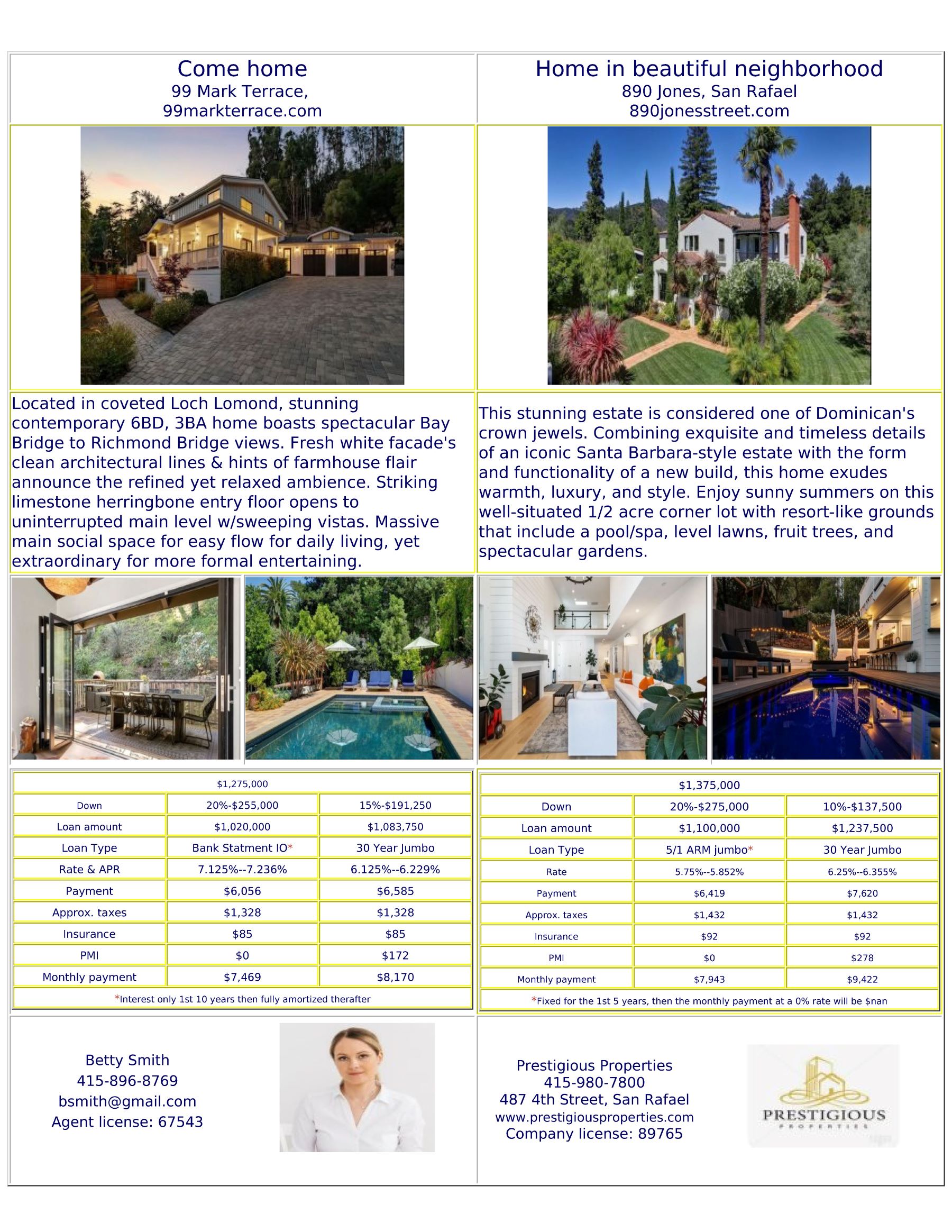

We will upload images, and details of homes slated for promotion
Alternatively, a link can be emailed to an Add promotion page
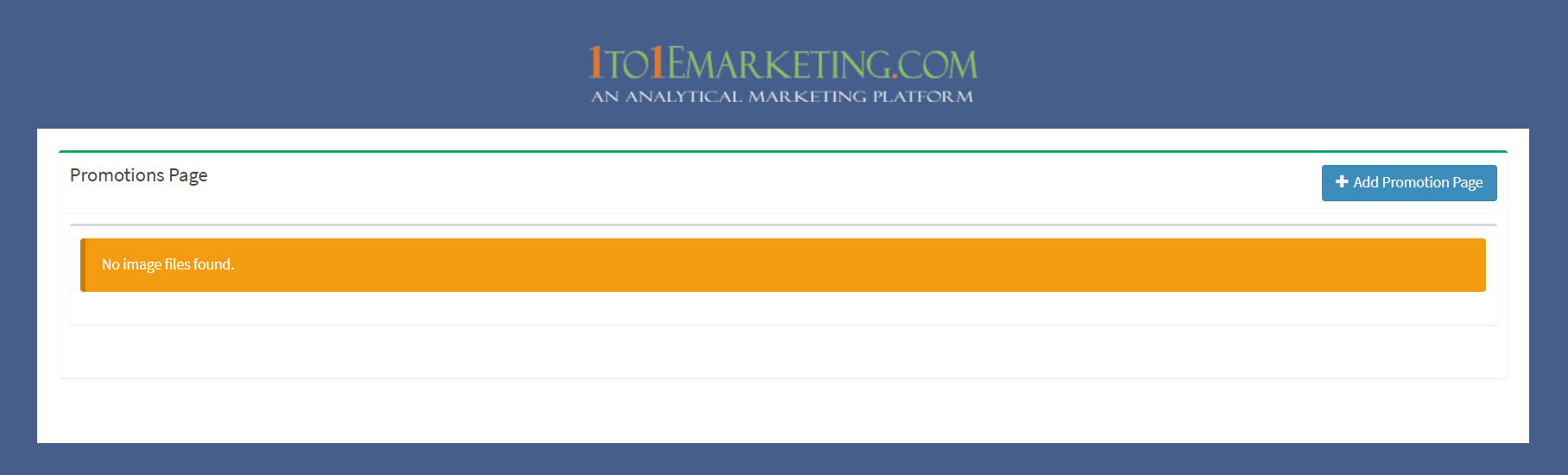
Realtors can select from a dropdown the number of properties selected for promotion

Property details, company logo, agent image and contact information are inputted and uploaded
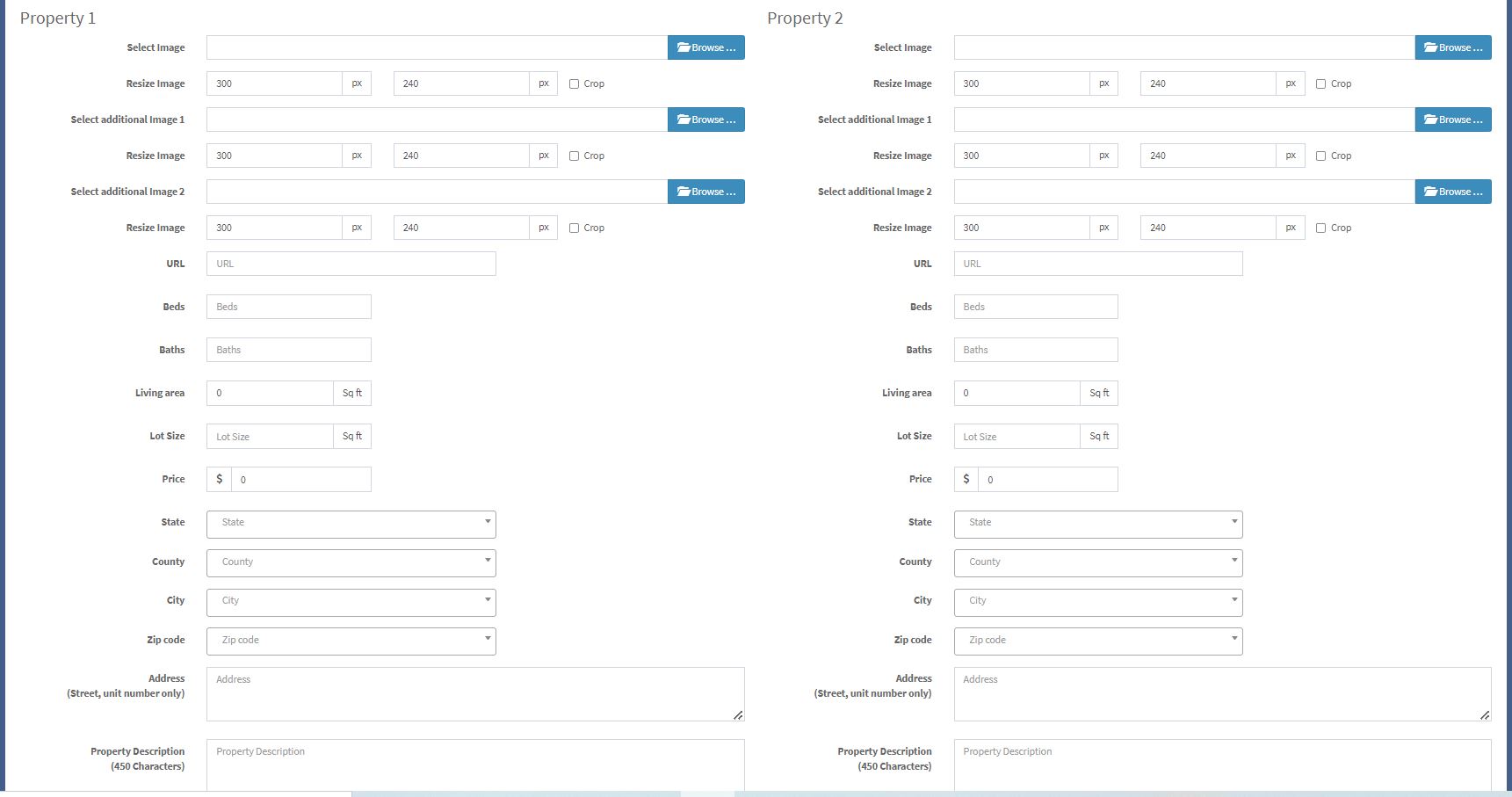
Once completed and submitted, the file will appear in the mortgage agent’s Realtor tab, and transferred to the image library for uploading into the campaign template
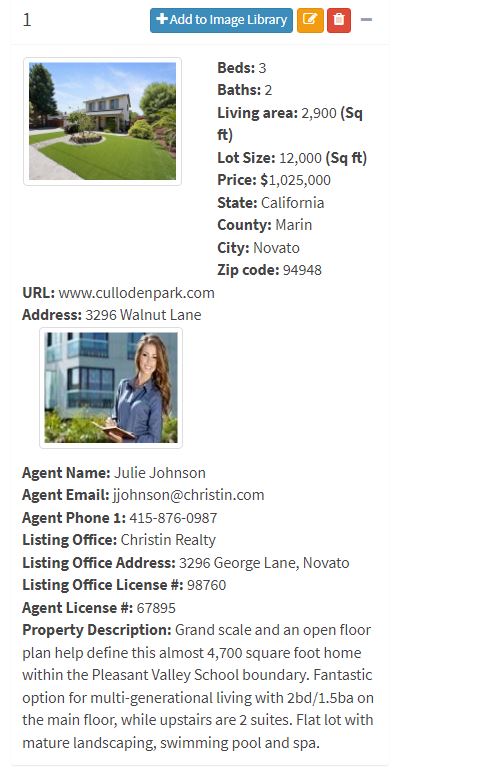
Example of a Two property print template