
Campaign creation is a collaborative process:
- Originator creates an account at http://1to1emarketing.com/1to1/agents/ and orders a campaign
- We’ll buy and upload data
- Originator inputs current rates and selects four loan options from loan library
- If partnering with a realtor, originator emails realtor a link to upload images and details of homes: https://1to1emarketing.com/promotion-page/
- Originator reviews and edits Setting tab
- Originator personalizes, edits campaign template
- Originator previews template and if satisfied, sets template
- We print PDFs and envelopes, and deliver to USPS for mailing
- USPS proof mailing is uploaded
The sequence below must be followed, once leads have been imported and the button turns green,
select loans, set settings and choose template from the drop-down in Email templates

Creating a campaign
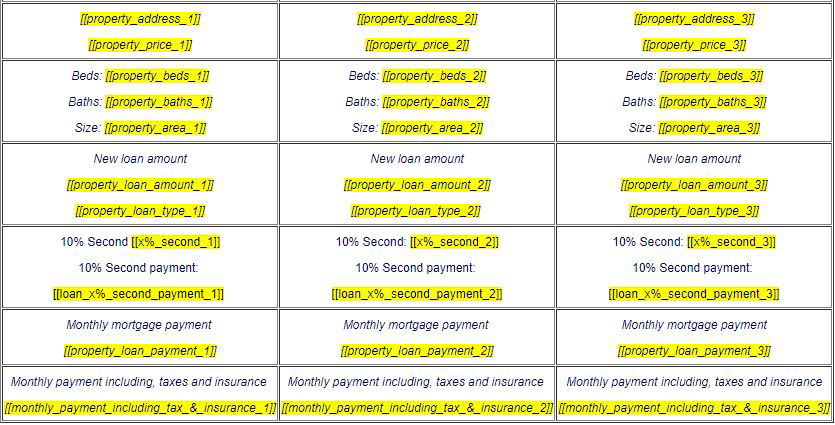
In the Mortgage/Real estate example below, dynamic fields are inserted into a template.